
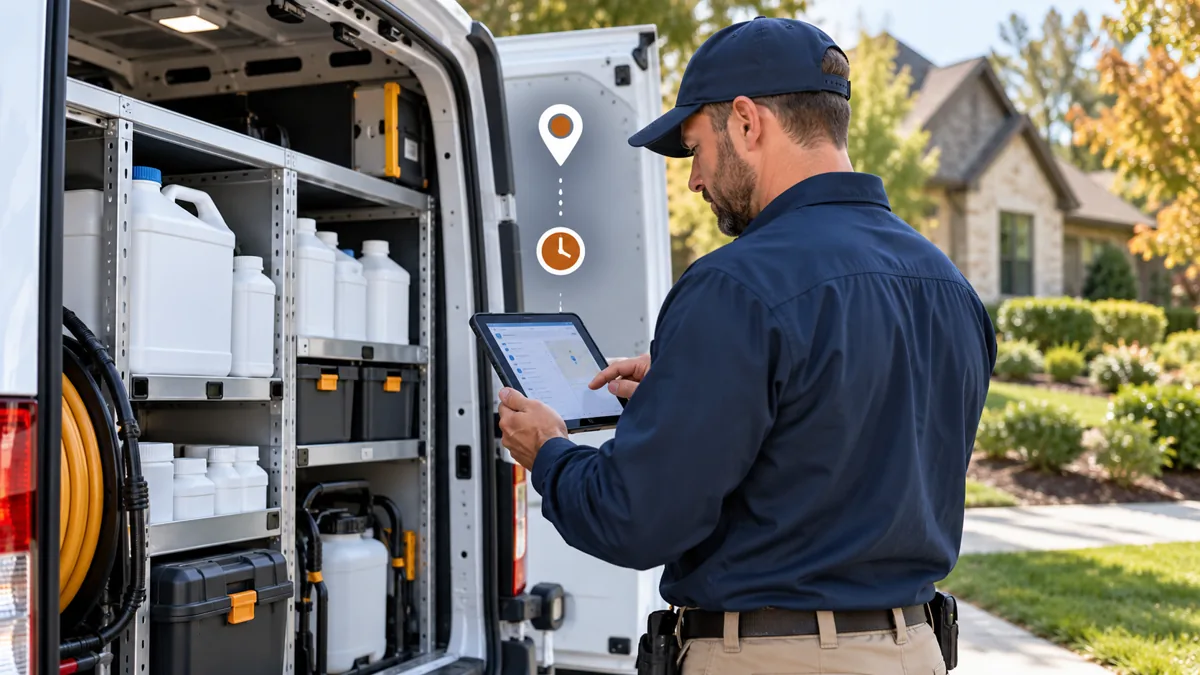
A pesticide record keeping app should preserve the details of an actual application, produce a usable export, and fit the rules that apply to your work. A generic job note or invoice description is not necessarily a complete application record. Start with your regulatory requirements, then check whether the software can represent them accurately.
This guide is for US pest-control business owners evaluating digital logs. It is educational, not a determination of compliance for a particular application. Official sources and vendor documentation were checked October 29, 2026. No named app was field-tested for this article, and no software purchase is presented as regulatory approval.
Choose a pesticide record keeping app from the requirements outward
Identify the jurisdictions, license categories, application types, and products involved. Ask the responsible regulator which details must be recorded, when records must be completed, how long they must be retained, and how they must be produced on request. Requirements may differ across states, tribal jurisdictions, and restricted-use versus other applications.
EPA’s applicator certification guidance describes the federal restricted-use pesticide framework and notes the role of state and tribal requirements. That does not establish one universal recordkeeping rule for every US structural pest-control service. Avoid importing an agricultural or another state’s checklist without checking its applicability.
For a concrete jurisdiction-specific resource, consult Washington’s pesticide recordkeeping page. Treat it as guidance for that jurisdiction, not a nationwide template. Keep a dated link or reference to the rules used when configuring your own record fields.
Map required information to real app fields
The following are common evaluation categories, not a declaration that every field is legally required in every situation.
| Category to evaluate | Questions for the demonstration |
|---|---|
| Application identity | Can a record identify the actual date, time, location, job, and applicator? |
| Product identification | Can it preserve the exact product and relevant registration identifiers? |
| Quantity and rate | Are units, amount applied, mixture, area, and calculations unambiguous where needed? |
| Conditions | Can required weather or site conditions be entered and exported? |
| Method and target | Can the actual application method, target, and treated area be documented? |
| Credentials | Can relevant business and applicator information be retained? |
| Corrections | Can changes be distinguished from the original record? |
| Retrieval | Can complete records and attachments be exported without an active subscription? |
Write a mapping sheet with the requirement, source, app field, validation rule, and export location. If the only available field is an unstructured note, test whether it can hold the complete information without truncation. A feature labeled “chemical tracking” can mean different things across vendors.
Chemical tracking is not the same as device tracking
Chemical or material tracking concerns products and application details. Device tracking may concern numbered monitoring stations, service observations, or another operational object. Employee GPS tracking is different again. Do not assume that a map icon or “tracking” label proves all three are available.
Ask vendors to demonstrate each required function separately and identify its plan. In GorillaDesk’s pricing, device tracking is a Pro-plan consideration. That plan boundary should not be collapsed into a claim that every entry plan has device management. Keep a separate list of required application records and optional operational conveniences.
Jobber: verify plan access and the web workflow
Jobber’s official chemical-tracking documentation says the feature is available on select plans and that treatment recording is through Jobber.com, not the mobile app. Do not infer eligible plans from an old third-party comparison. Ask the vendor to confirm access for your quoted configuration.
This limitation matters in the field. A technician may need a workable browser-based recording process and connectivity appropriate to the location. Demonstrate the complete journey from observation to saved treatment record and export. Do not assume that mobile invoicing implies mobile chemical recording.
The Jobber profile and GorillaDesk comparison provide related product context. Use current official documentation and a written quote to resolve plan-specific questions before relying on a feature for regulated work.
Compare specialized logs with broader field-service systems
A specialized application can focus on application records and exports, while a broader system may connect scheduling, customer history, invoices, and reports. The right choice depends on whether the required information can be captured reliably without uncontrolled duplicate entry.
SprayMapper describes a browser-based recordkeeping product with PDF and Excel reporting. Its documentation notes an internet connection requirement. That is useful to evaluate, but it does not establish suitability for every structural pest-control jurisdiction. Ask about the exact required fields and retention or retrieval process.
PestShift advertises chemical tracking within its feature offering. Treat that as a vendor capability statement requiring workflow verification, not proof that every application will be compliant. Likewise, ask any field-service vendor to show a real export structure rather than relying on a sales checklist.
Test offline behavior and synchronization
Use fictional information in a demonstration account. Ask what happens when connectivity disappears before saving, during attachment upload, and before synchronization completes. Some systems require a connection; others support limited offline functions. Do not assume that the presence of a mobile app guarantees offline application records.
Check whether the user can tell the difference between a local draft and a server-saved record. Ask how conflicting edits are resolved and whether a failed synchronization produces an actionable warning. A technician should not discover at an audit that a record never left the device.
If a temporary paper process is needed, define how and when it is reconciled with the final record. Avoid keeping two conflicting authoritative versions. Preserve the actual application information and a traceable correction process rather than altering dates to make entry appear contemporaneous.
Export, access, and correction checks
Export a fictional record with multiple products, long notes, attachments, and a correction. Inspect the result outside the app. Confirm that units, dates, identifiers, and all necessary fields remain readable. A PDF that drops a second product or a CSV without units is not an adequate result merely because a download button works.
Ask who can create, edit, approve, and export records. Request an explanation of backups, account closure, retention, and data ownership in the vendor’s terms. Keep access proportionate to job responsibilities and avoid storing unrelated sensitive customer information in free-text notes.
Build the workflow before buying
Connect the application record to the inspection checklist and service report through a consistent job reference. Keep the customer summary clear without pretending it replaces a detailed regulatory record. Use the small-business software guide for the broader purchase decision.
The acceptance standard is practical: required facts can be entered, saved, corrected transparently, retrieved, and exported in the required context. Document unresolved questions and verify them with the regulator or vendor before rollout. A compliance slogan is not a substitute for that evidence.
By Pest Tech Research Editorial. Prepared and source-checked October 29, 2026. The displayed publication date follows the publisher’s requested archive schedule and does not represent earlier research or testing. Featured image: AI-generated editorial illustration, not a product screenshot or evidence of field testing. Questions or corrections: Contact Pest Tech Research.